
Online course

Here we return to a more detailed version of the page: modules are separated, described and catalogued rather than hidden under one generic heading. You can immediately see what each part covers and where to start.

Large text, simple layout, A+ button, step-by-step exercises and separate scenarios to work through.
ODYSSEY course illustration with six learning areas

First you recognise the pattern, then you practise the response

We do not start with dry theory. First we show a situation that could happen in real life, then we highlight the key warning signs, and finally we practise a safe response. This makes it easier to remember what really helps under pressure.

Practical examples Senior-friendly pace Reviews and quizzes
Recognise the scam
Stay safe online
Digital finances
Manage your money
Digital tools
Build confidence
Module 1 is already active and expanded. The remaining modules have their scope described so you can see what each one covers.
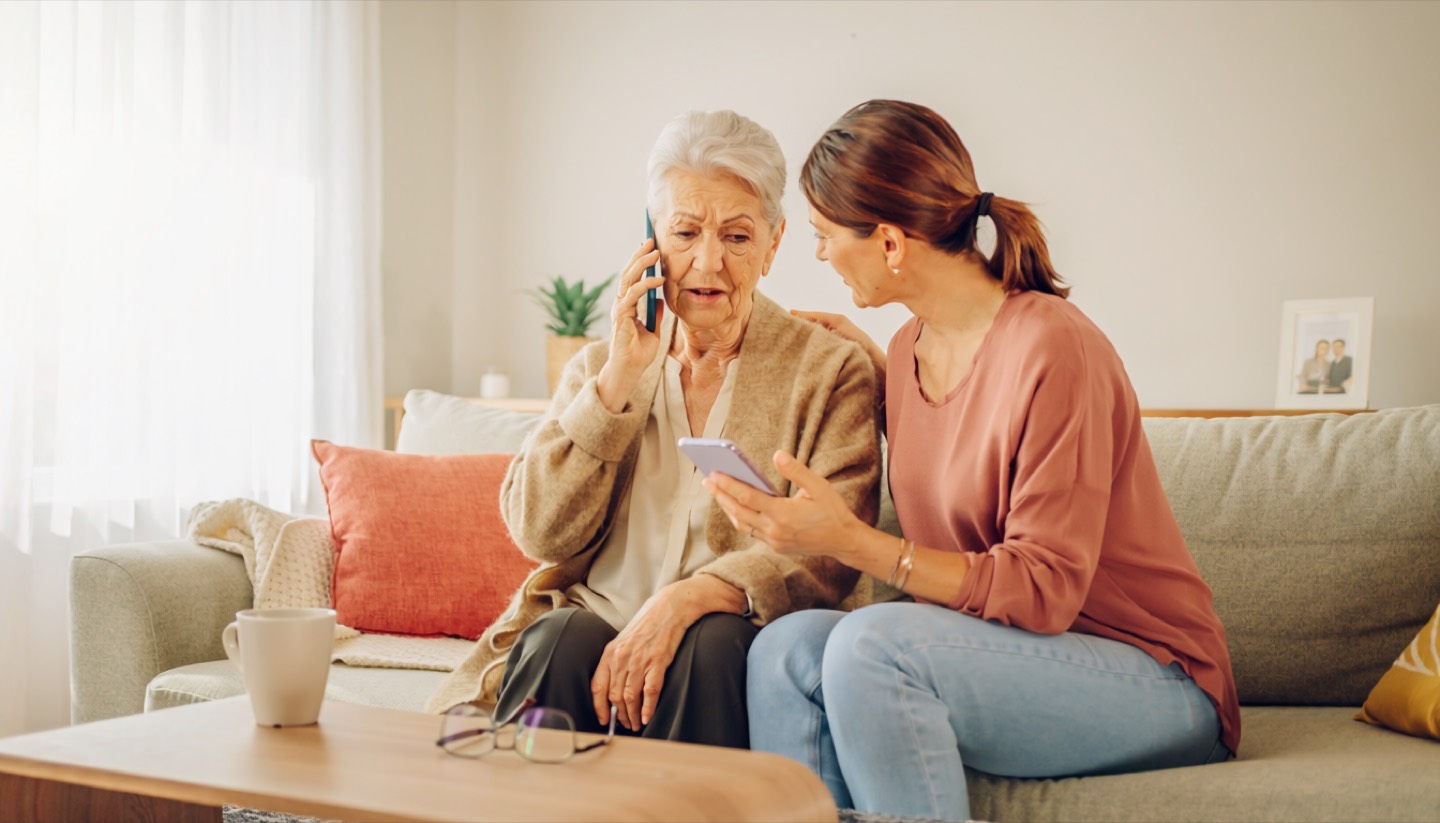
An older woman and a family member checking a phone message together

Modules are separated, described and catalogued

Each module has its own topic, its own examples and its own scope. No need to guess whether it covers BLIK, family scams, deepfakes or consumer rights.

Module 1 illustration
Module 1
Active 27 screens Quiz: 12 questions

Recognise the scam

Phishing, the grandchildren trick, fake investments, romance scams, sales event manipulation and how to react under stress.

  • 89% of fake investment domains
  • The Stop, Think, Call rule
  • Exercise: reporting a suspicious SMS to 8080
Start the module
Module 2 illustration
Module 2
Scope ready Passwords and 2FA

Stay safe online

Passwords, two-factor authentication, phone updates, privacy and the basics of defending against institutional impersonation.

  • How to build passwords you will not fear
  • How to understand 2FA without technical jargon
  • How to filter fake links and number spoofing
Module 3 illustration
Module 3
Scope ready Banking and BLIK

Digital finances

Safe online banking, BLIK payments, account login, security limits and what to do after a suspicious transaction.

  • What a request for a code, PIN or BLIK really means
  • How to tell real login from a fake page
  • How to shop online without rushing into traps
Module 4 illustration
Module 4
Scope ready Budget and rights

Manage your money

Household budgeting, saving, the traps of "free" offers, payday loans, sales events and consumer rights when signing contracts.

  • How not to mistake a promotion for a costly obligation
  • When you can withdraw from a contract
  • How to recognise sales pressure and manipulation
Module 5 illustration
Module 5
Scope ready Digital services and AI

Digital tools

mObywatel, e-health, e-services and artificial intelligence understood as a real help, but also a real risk of deepfakes and voice cloning.

  • How to use public services without confusion
  • How to recognise a synthetic voice and a fake image
  • How not to be intimidated by "new" technology
Module 6 illustration
Module 6
Scope ready Support and peace of mind

Build confidence

How to regain balance after a difficult situation, how to talk to loved ones and how to build your own safety network instead of coping alone.

  • How to overcome the fear of technology
  • How to ask for verification without embarrassment
  • How not to blame yourself after a scam attempt

12 scam simulations

Three difficulty levels, twelve scenarios and one goal: see the manipulation before it forces a decision. Each path leads to separate subpages.

Level 1 | Basic

Recognition drills

A fake parcel SMS, a call "from the bank", a salesperson at a live event and the first red flags you need to spot in time.

Open 4 scenarios
Level 2 | Intermediate

Multi-channel scenarios

The same story told through SMS, email and phone. Bank impersonation, a fake investment and a number that looks familiar.

Open 4 scenarios
Level 3 | Advanced

AI scenarios

A cloned grandchild's voice, a celebrity deepfake, a weeks-long romance scam and investments backed by the authority of technology.

Open 4 scenarios

When something seems suspicious, you are not left without a plan

Across the course and the website, the same logic recurs: interrupt the pressure, secure the situation, verify the contact and report the incident to the right place. It is designed to be easy to remember even under stress.

Poland

Where to report

SMS to 8080, suspicious websites at incydent.cert.pl, investments at csirtknf.pl, urgent situations to your bank or call 112.

Beyond the course

Related materials

The course connects to the blog, videos and methodology. You do not need to search different sections without context.

The shortest version for stressful moments

  • Do not click and do not share codes when you are feeling emotional
  • Verify the number or website using a different channel than the one that contacted you
  • If data or money has been shared: contact your bank first, then report it and get support from loved ones
Older adults checking finances together on a laptop and phone

Evidence-based

The ODYSSEY course is based on a systematic review of 25 research studies from a database of 138 million publications. This allows us to organise topics according to real gaps in senior education, not random buzzwords.